 Dash
Dash
Dash
Dash
Your data
Out of the box, everything stays on the device — 100% local, nothing to sign up for, nothing sent anywhere. Want a grid on your other devices? Publish it into your own iCloud account and join it from the others. Want somebody else to see it? Share it, and that goes through iCloud too. Nothing leaves until you say, and when it does it travels only through Apple’s own sync services — Dash has no server of its own.
Every device that has joined a grid can log to it. Tap a glass of water on the iPad and tap a walk on the phone — offline, in either order — and the next time the two sync, the day is merged entry by entry: nothing is lost and nothing is counted twice. Deletions sync the same way, so a device that was switched off when you cleared a box won't bring it back.
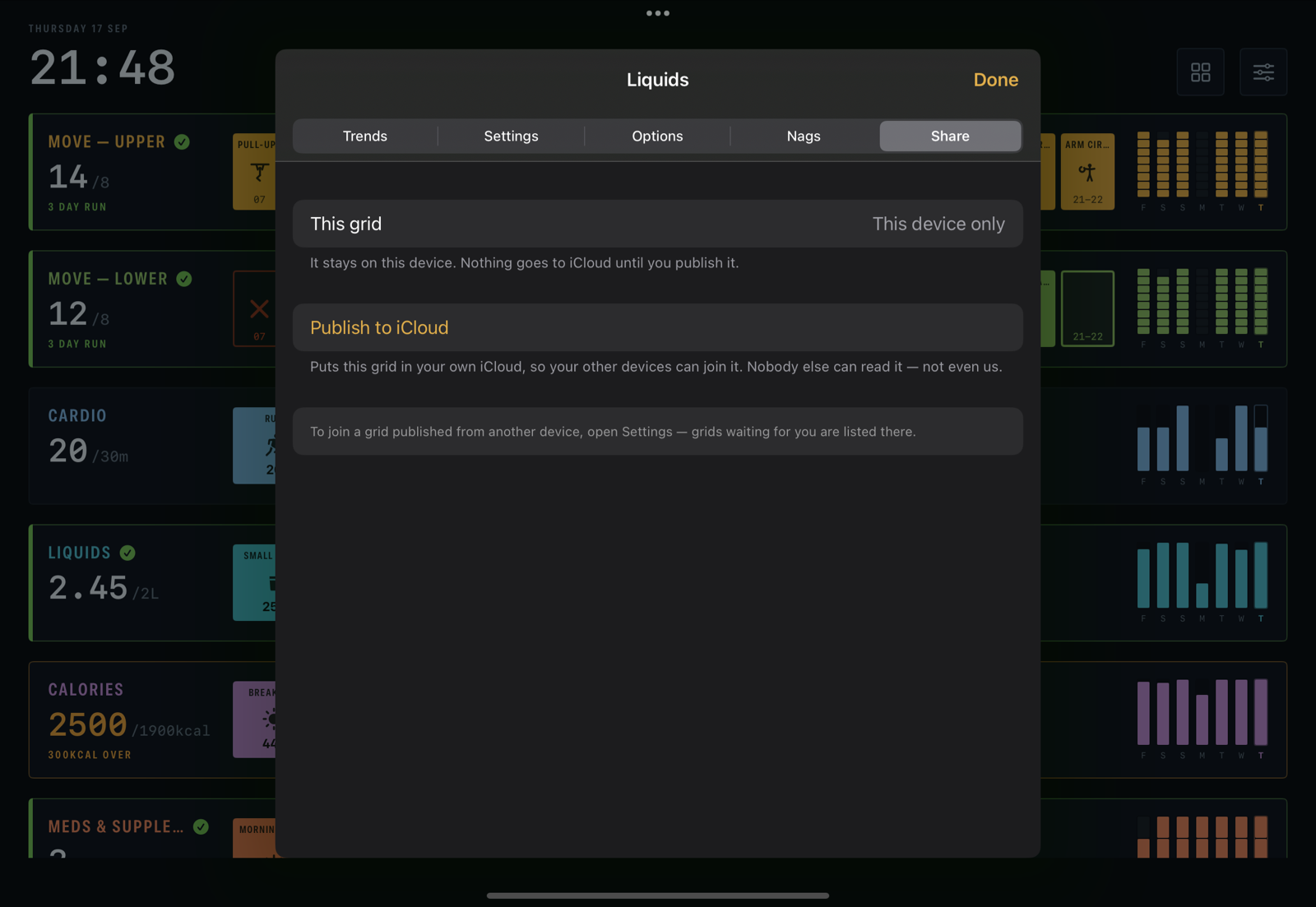
A grid's Share pane. In iCloud, on the Watch, shared with nobody yet.
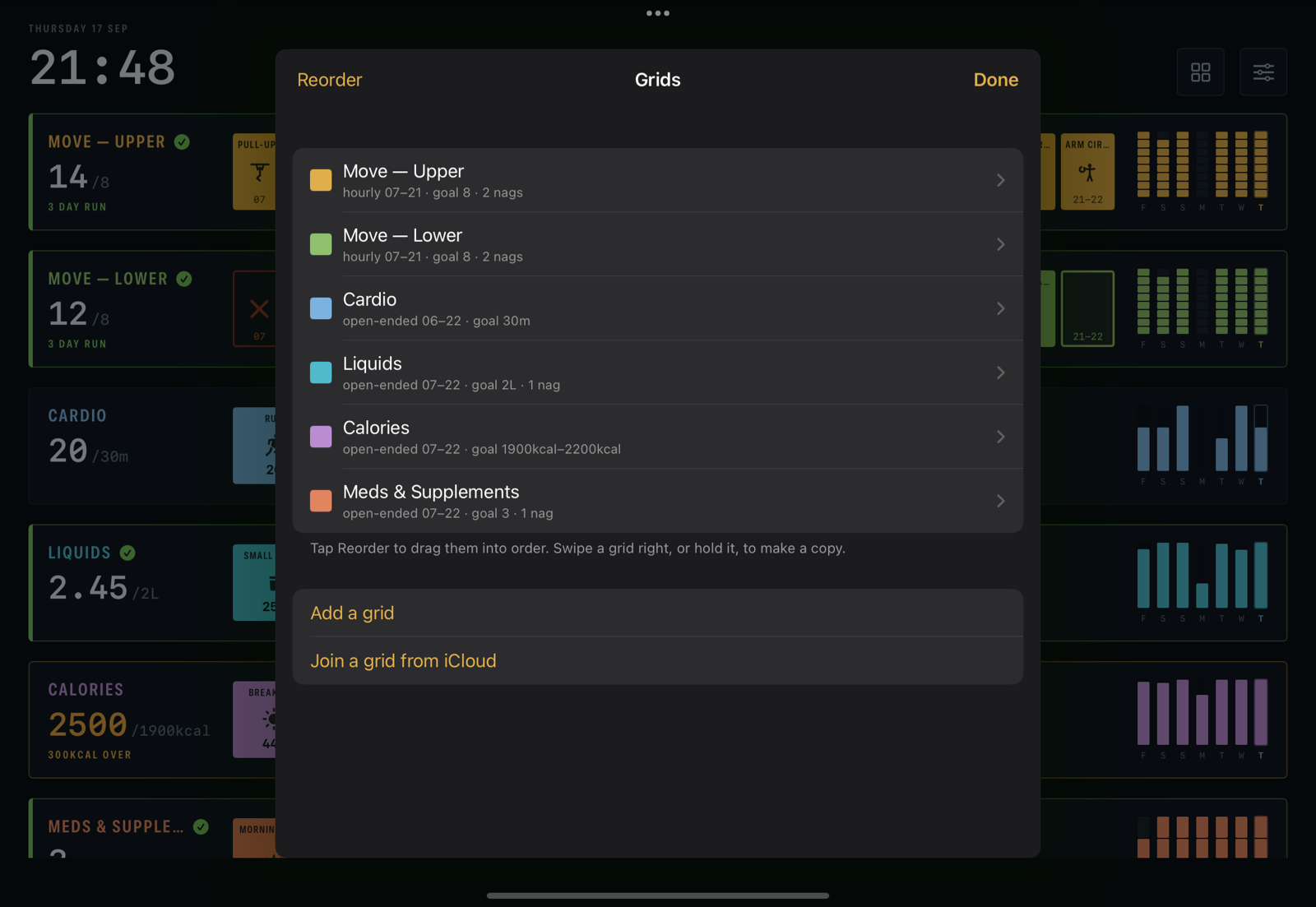
The grids list. The cloud beside a grid says it's published; grids waiting for you from another device appear here to join.
"Stop sharing on this device" and "remove from iCloud" are different sentences, and Dash keeps them apart: the first leaves the grid on the device and the copy in iCloud alone; the second takes the shared copy away from every device but deletes nothing anyone already has.
Tiddles
Four people in a house, one cat, and it has told each of them — independently and convincingly — that it is starving. Share the grid with all four and the question answers itself: the box is filled or it isn't, and it says who filled it.

Two boxes, breakfast and dinner, shared with the whole house. Tiddles is not a participant and cannot quietly clear a box.
Export & import
Any grid, or the lot, can be exported — as a spreadsheet (CSV) for looking at, one row per tick with the option, the amount and the exact time you tapped it, or as a Dash file (JSON) for keeping. And what Dash exports, Dash can import again: a Dash file goes back in, one grid or a whole backup, and folds into what's already there rather than overwriting it. Send a grid file to a friend and they can import it without any iCloud at all.