 Dash
Dash
Dash
Dash
Pocket, stand, desk and wrist
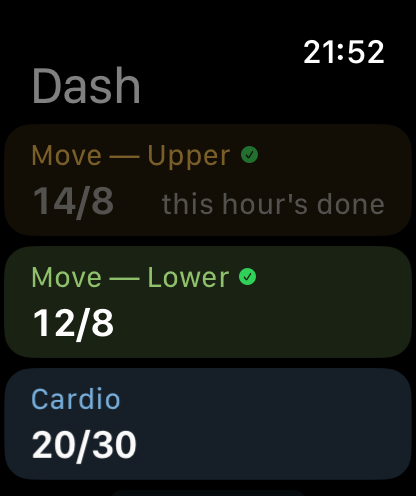
Dash is one purchase across iPhone, iPad, Mac and Apple Watch. The Mac app is a real Mac app with a sidebar and a menu bar item, not a phone app in a window; the Watch app shows whatever is on your iPhone, gets published grids through iCloud so it doesn't need the phone in range, and logs on its own.
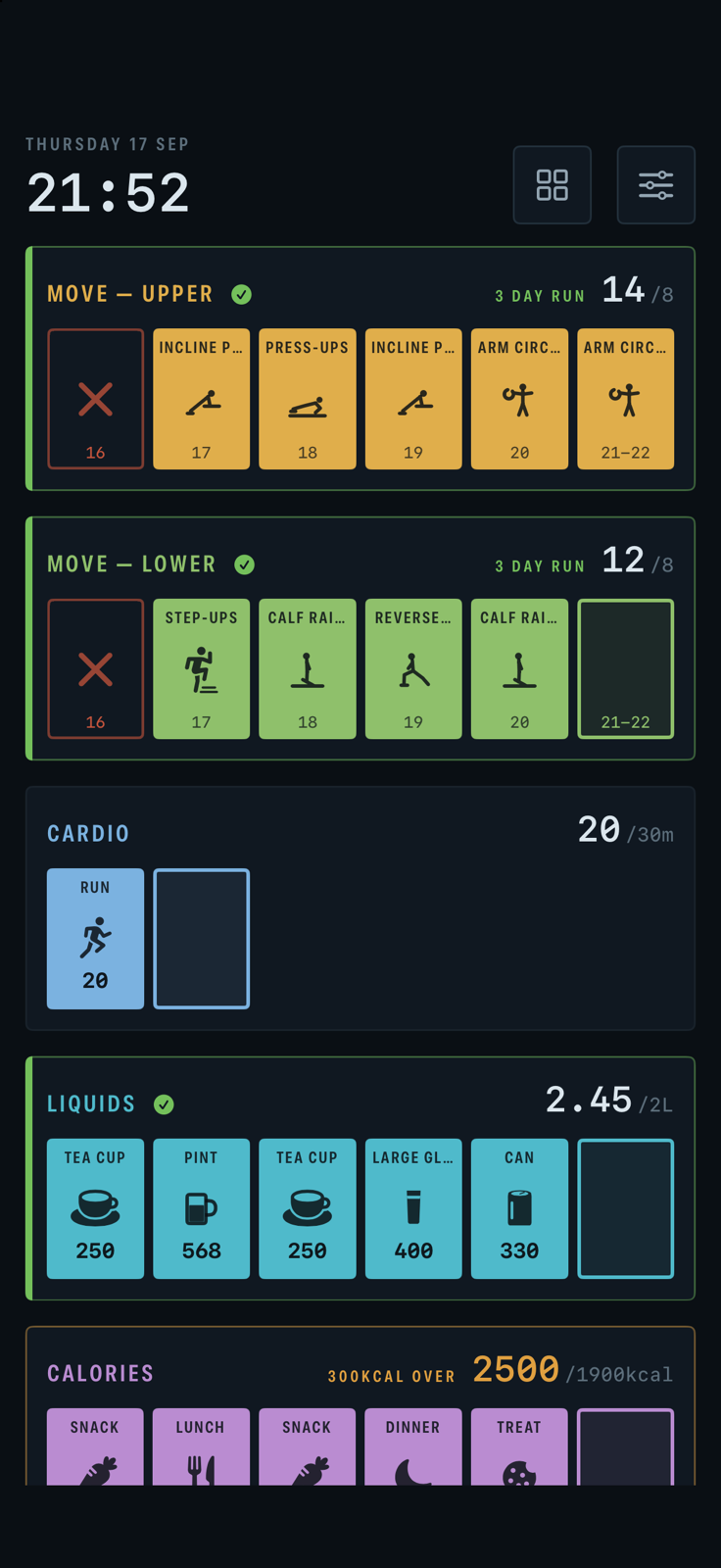
A phone screen can't fit a whole day of boxes at a size you can tap, so it doesn't try. Each grid shows the six or so hours around now, with the current hour in the middle; swipe along the row to see the rest of the day.
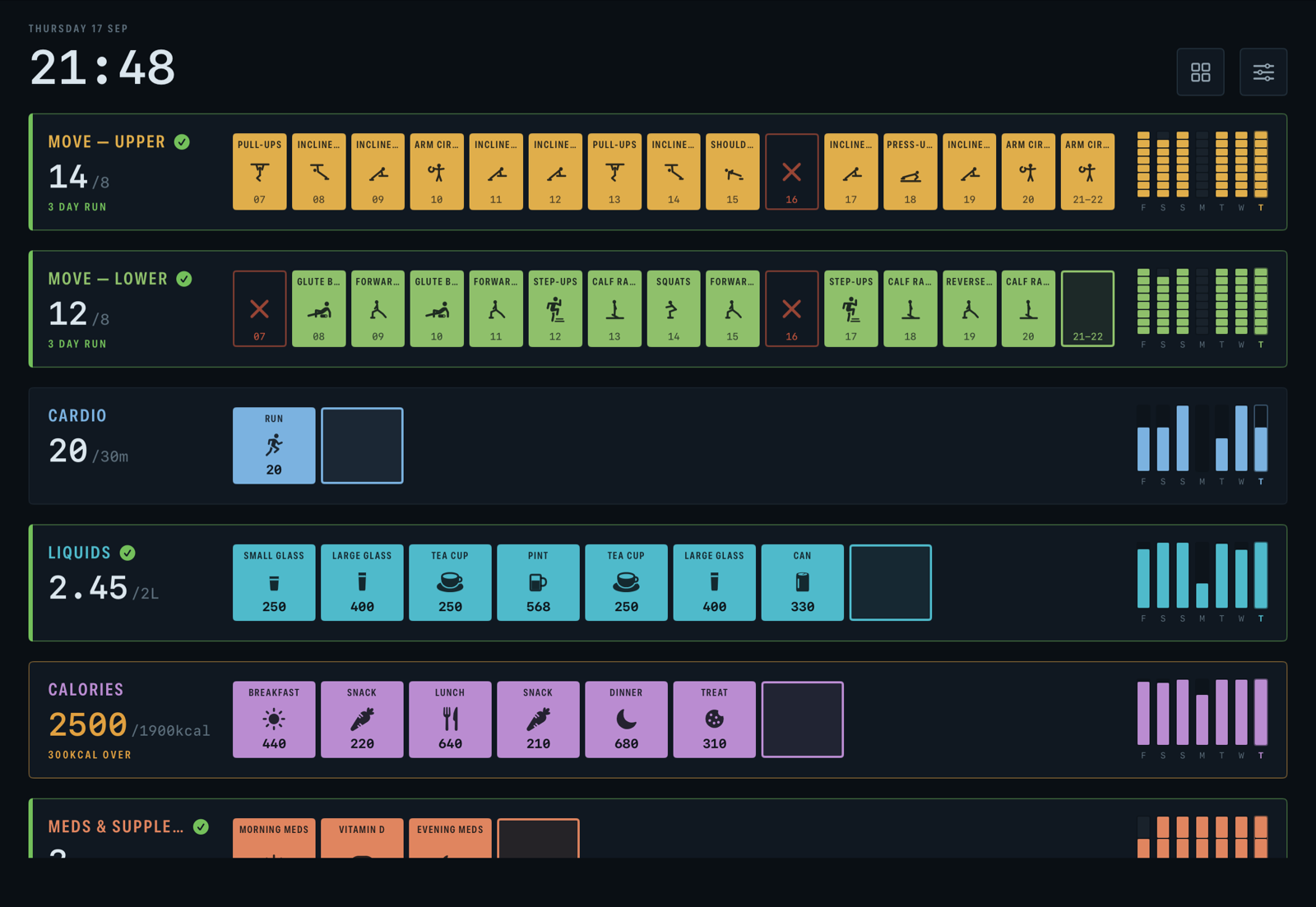
Turn the phone sideways and you get the whole day in one row, first hour to last, the same as the iPad. And Compact grids — on by default — tightens the rows so five or six grids fit on one screen without scrolling; switch it off with two grids and they get the room.
The whole day in one row, first hour to last, every grid at once. This is the wall the app was built around: on a stand next to the keyboard, or by the kettle, it's the thing you glance at. If you work from home, this is the setup we've ended up with — the iPad showing the day, the Watch doing the nagging.
A box is big enough to tap from where you're standing. Left alone it dims, then sleeps to a black face that still shows the time and a line per grid.
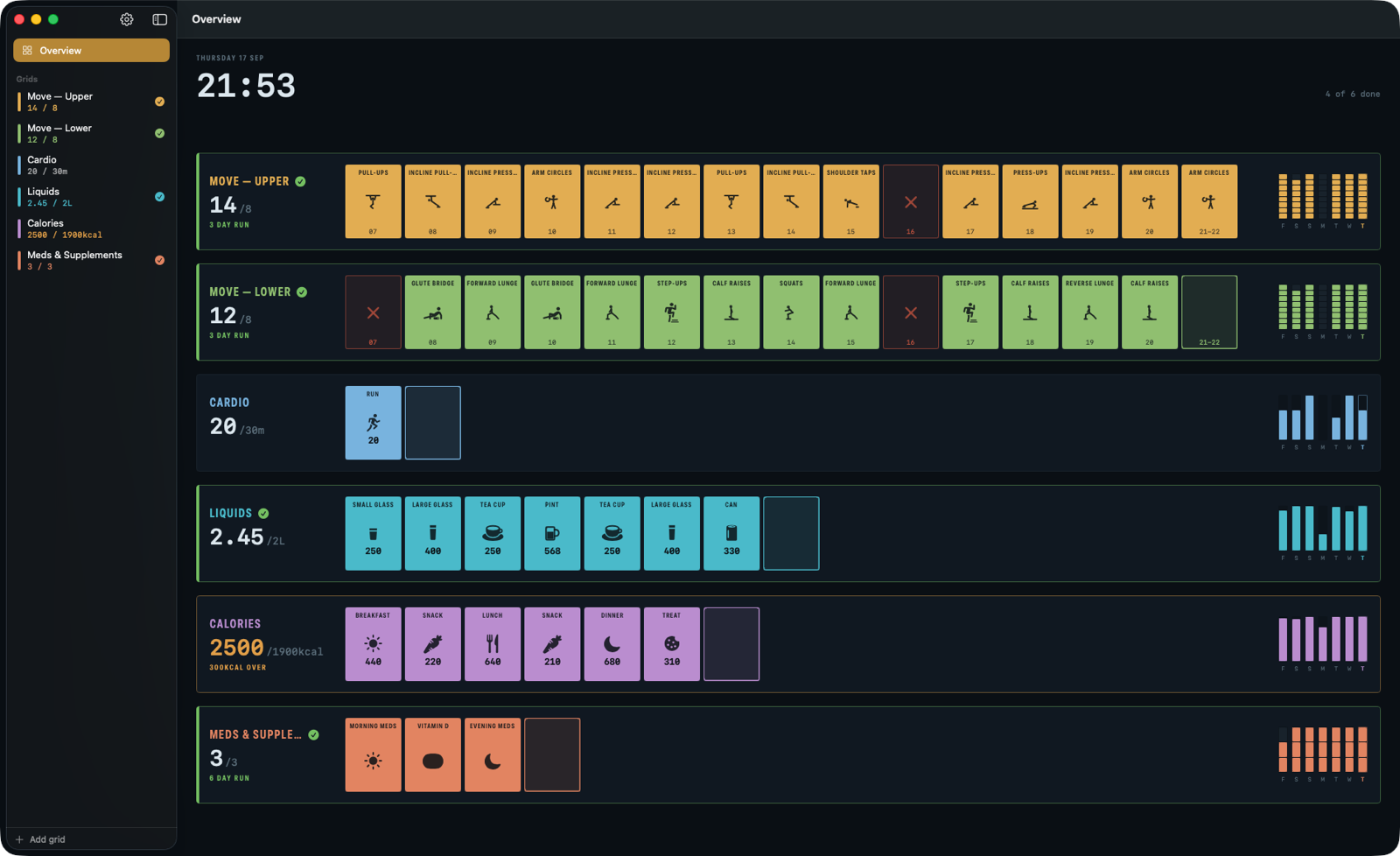
Sidebar of grids with today's tally, an overview of the wall, a history you can edit box by box, and a menu bar item for logging without finding the window. Keyboard shortcuts throughout.
An actual Mac app — the kind with a menu bar — not a phone app wearing a window.
One screen: every grid, where it got to, and a tap to add to it. A grid with options asks which, ranked by what you log most, and never more than one decision deep.
A complication for the Smart Stack: the grid's number, and whether anything is nagging, without opening the app. Each grid has an "On Apple Watch" switch, for the ones that are awkward one-handed.
Requires iOS 17, iPadOS 17, macOS 14 or watchOS 10.