 Dash
Dash
Dash
Dash
How a grid works
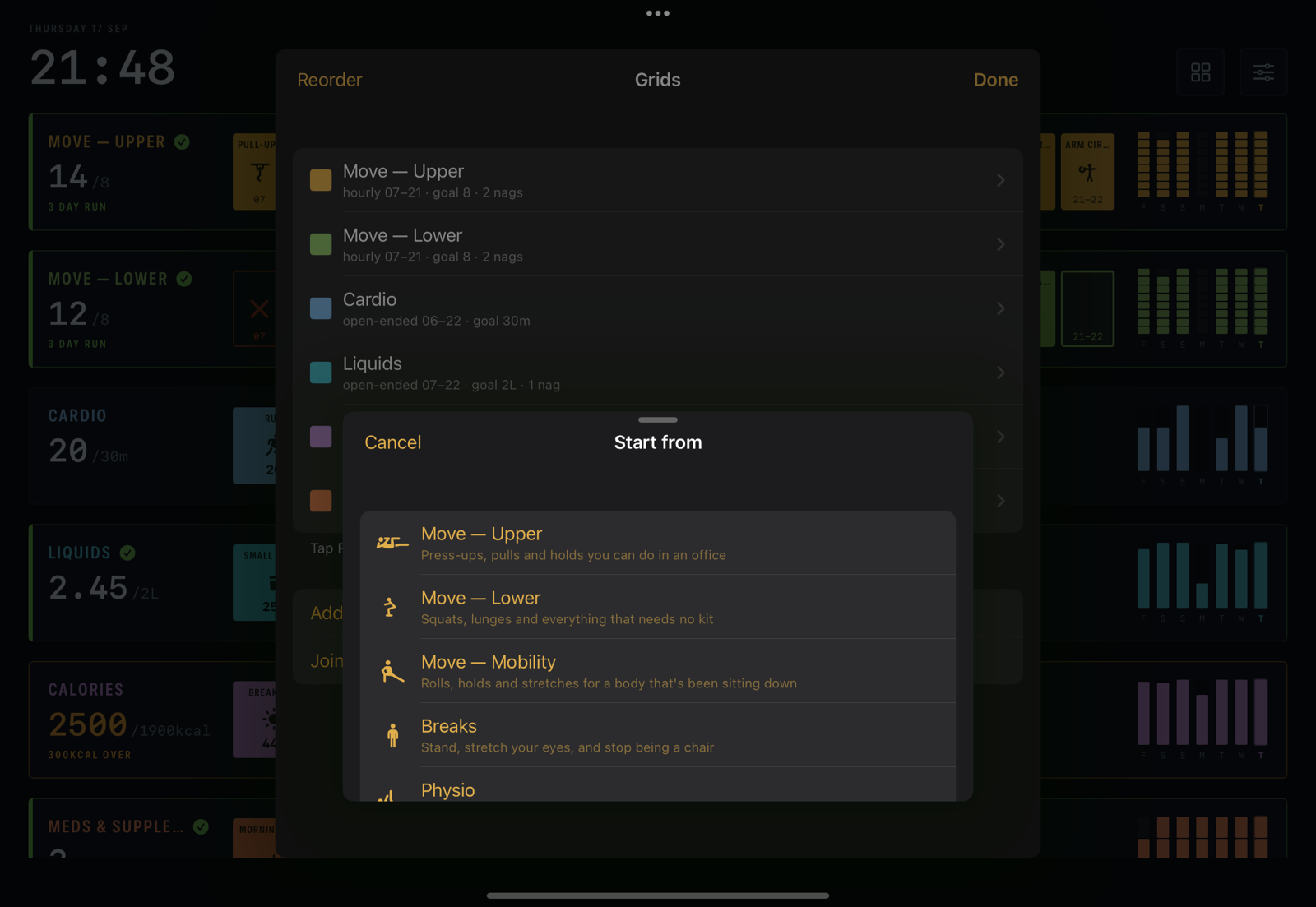
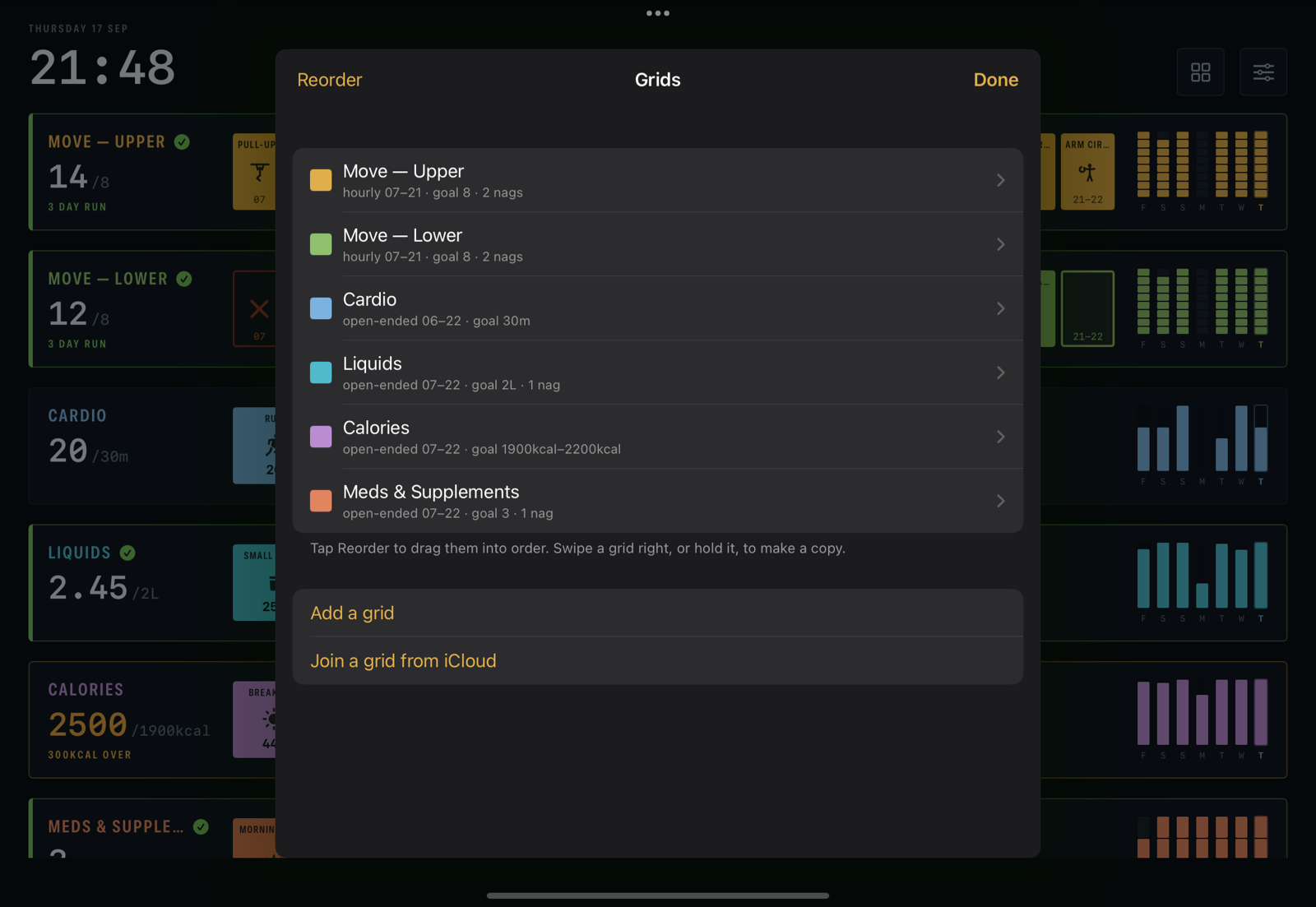
A grid is a name, a colour, a row of boxes and a list of things to put in one. Three shapes cover everything.


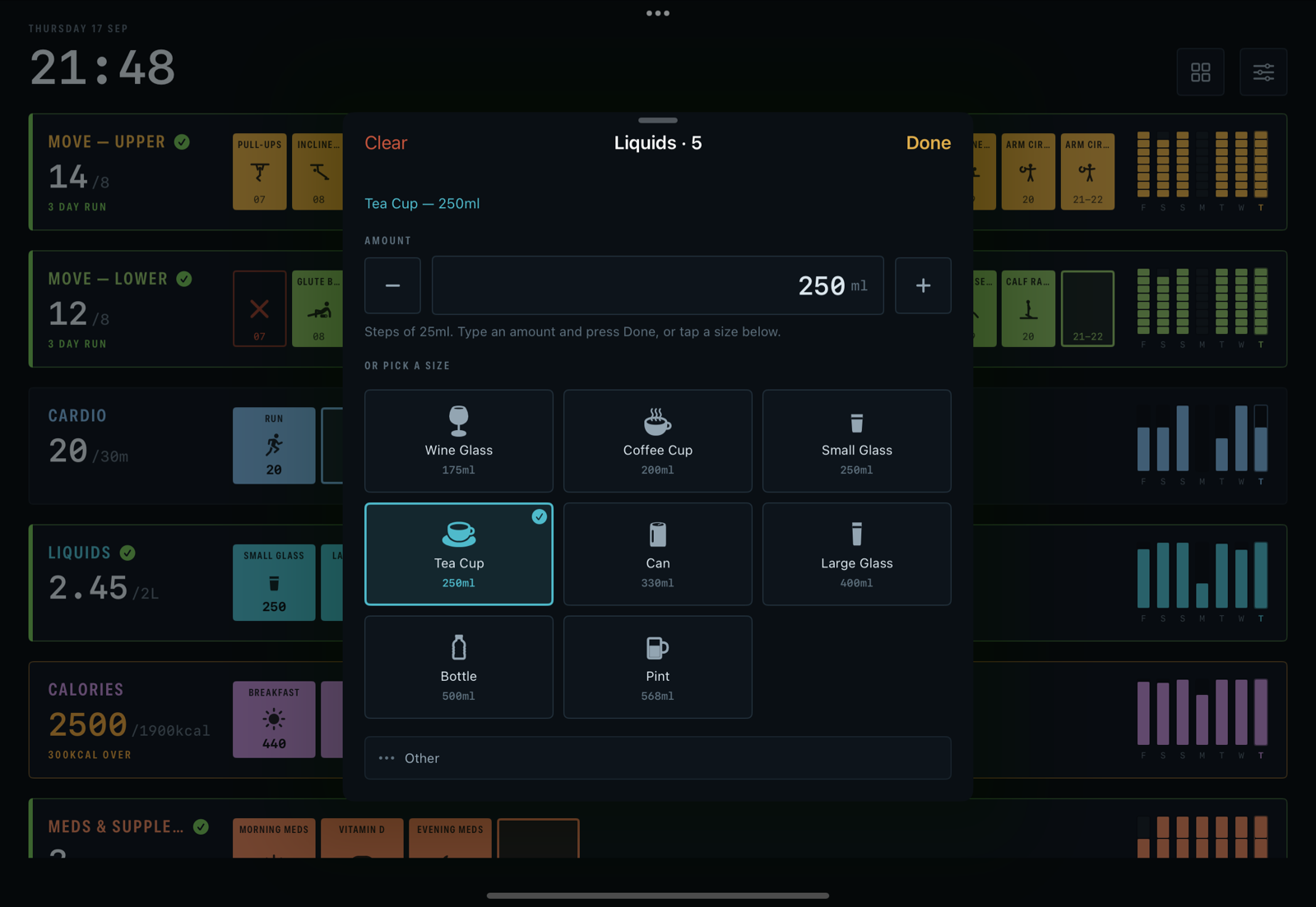
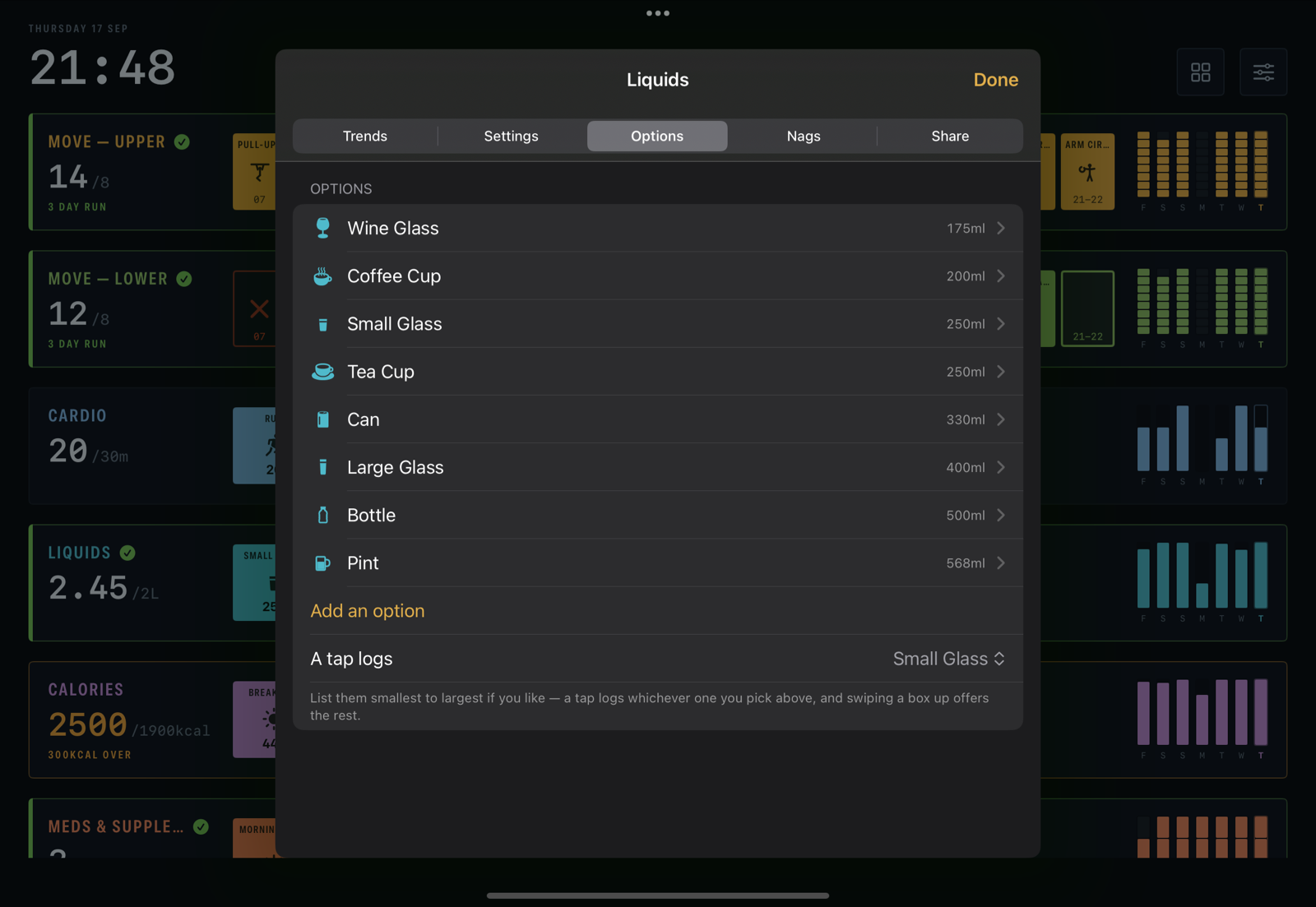
A box is a plain tick, or a number in the grid's unit — ml, minutes, reps, kcal. Each option knows its size (a pint is 568 ml, a run is 20 minutes), so one tap logs the amount, and there's an Other row for the one that isn't on the list. An option can also stand for several — your usual breakfast, a circuit of three exercises — and one tap logs the lot.
Nobody wants to type twenty exercise names in, so Dash ships grids ready to go — movement, breaks, physio, cardio, liquids, meds, fruit & veg, calories, pets — and every one of them is yours to rename and reshape.
Goals, runs and the week beside every row
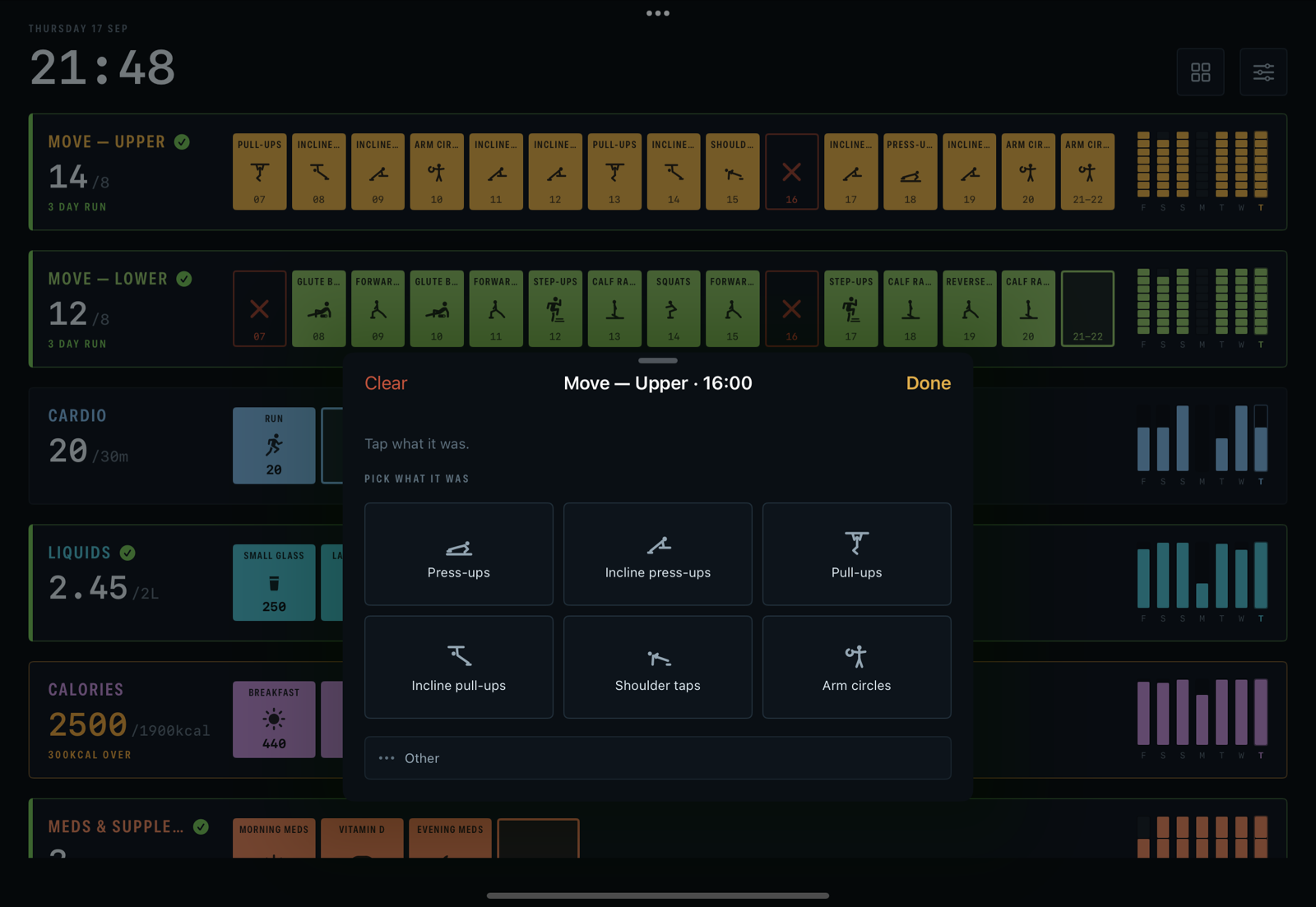
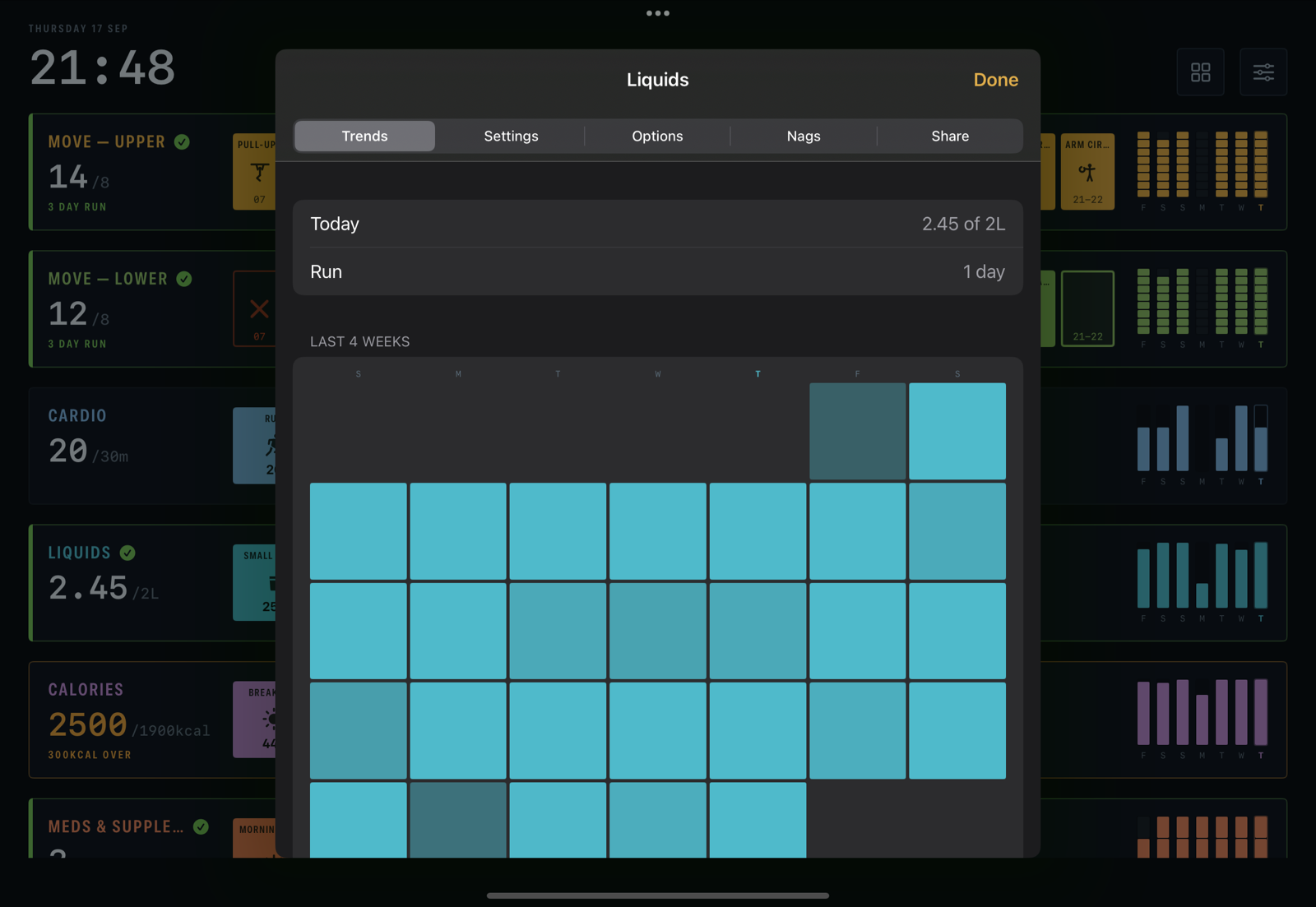
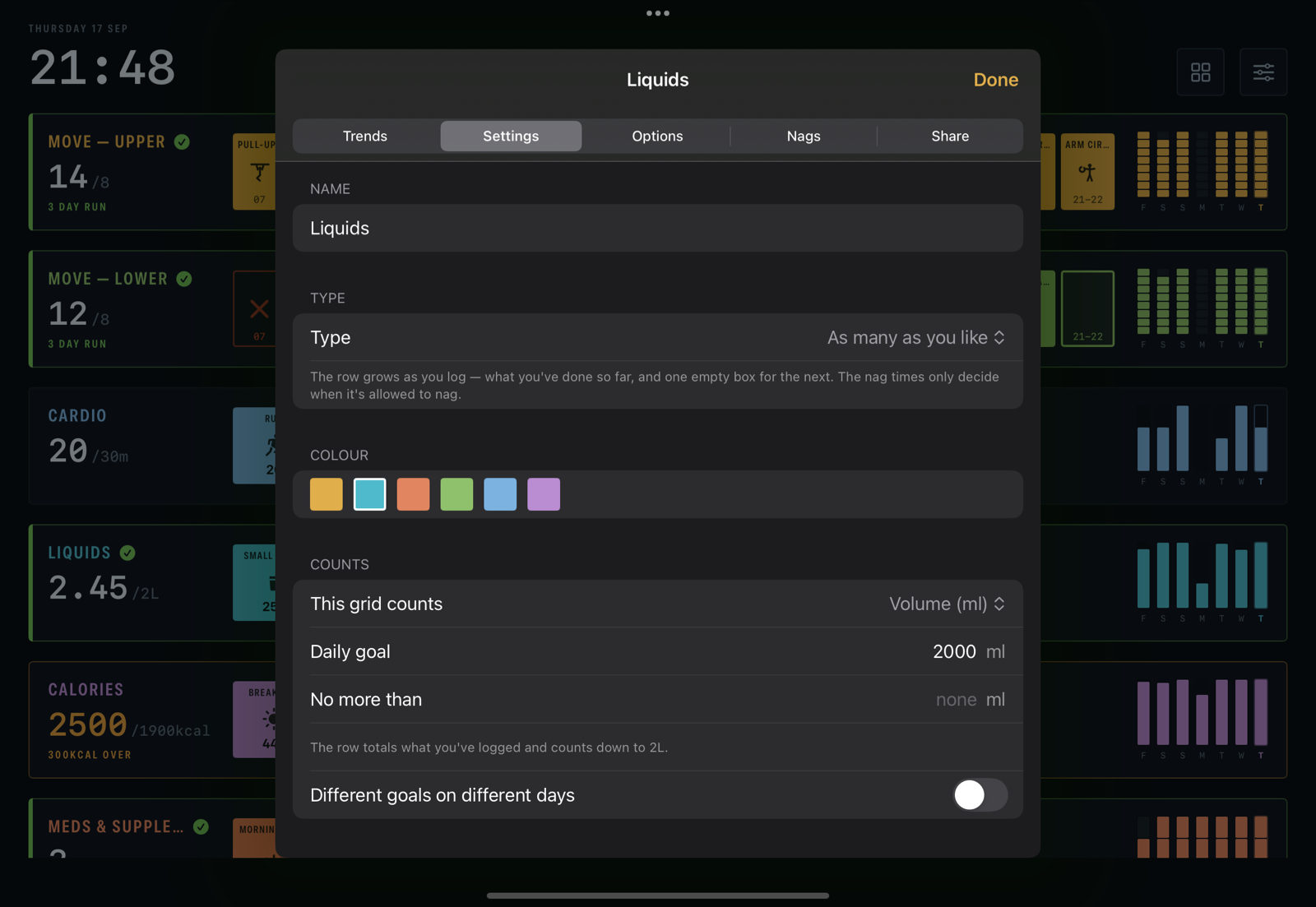
Most goals are a floor: eight of the fifteen hours, two litres, thirty minutes. Some are a ceiling: under 2,000 kcal, no more than three coffees. Some are both, and the row celebrates when you get into the range and winces if you go over.
Nags and flashes
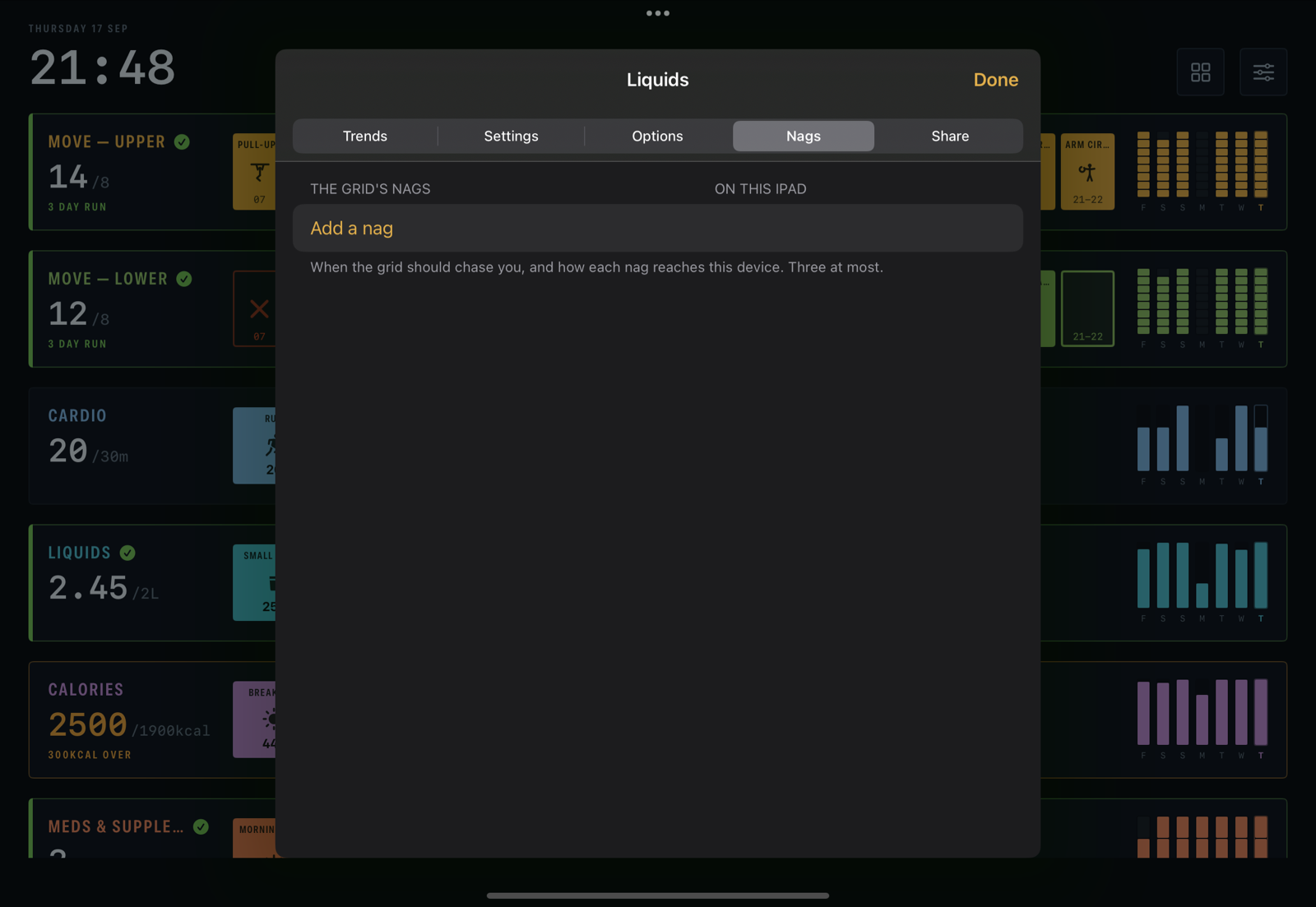
Two ways a grid speaks up, and they belong to different things. A nag is a tone in the app or a notification, and it is yours: it lives on the device you set it on, so the iPad on the desk can chime while the phone in your pocket stays quiet. A flash is the box itself pulsing — slowly when the window opens, faster as it runs out — and it belongs to the grid: it travels with it to every device that shows it, and to anyone you share it with, so every screen agrees about which box is waving at you.

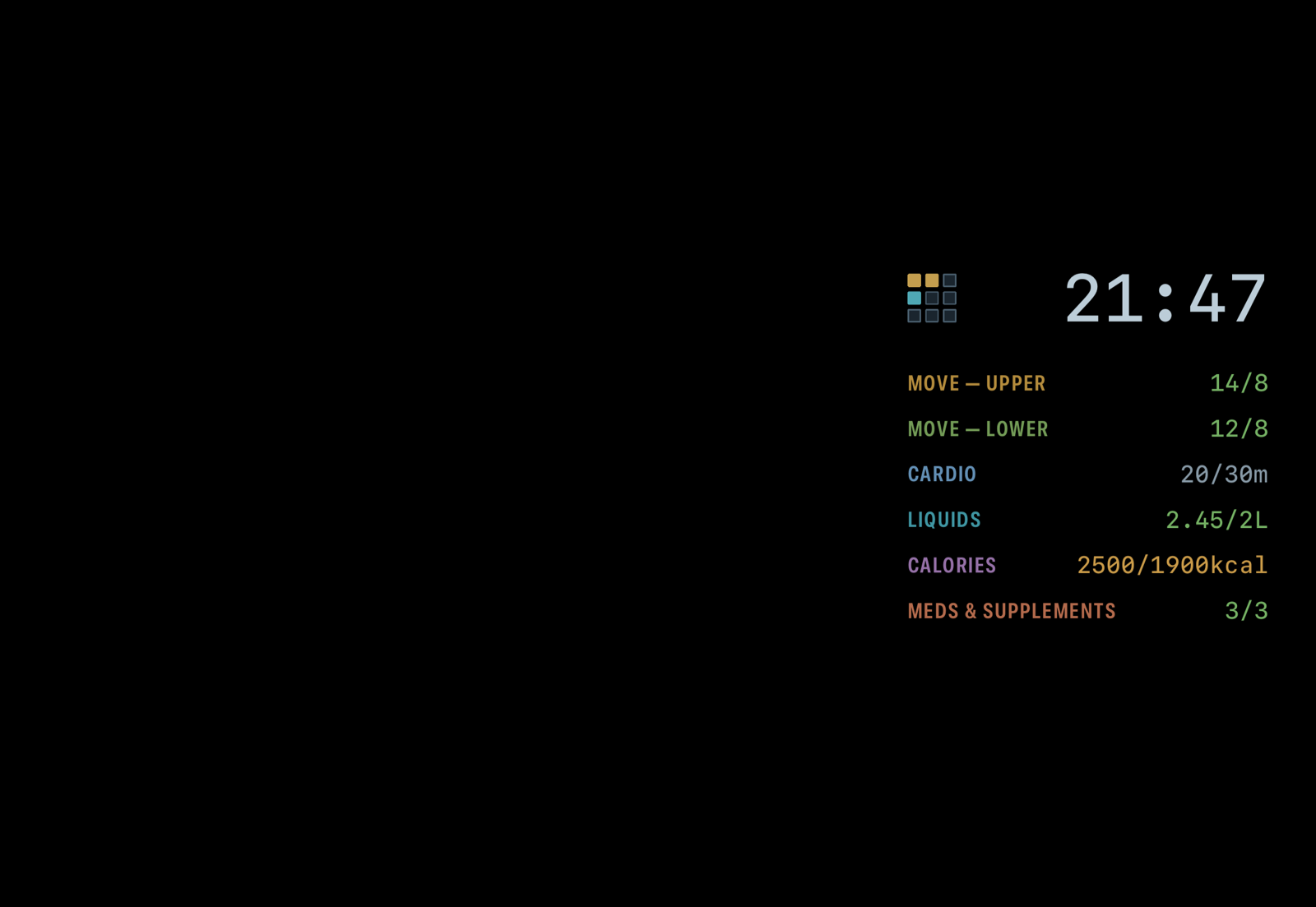
On the desk
An iPad on a stand spends most of the day being ignored, and Dash is built for that. After five minutes with no touch the wall dims. After fifteen it gives way to the sleep face: black, the time, one line per grid, drifting to a new spot every few minutes so nothing burns in. It still keeps score — a line per grid, today's tally — and it still flashes, so you can see from the doorway which grid wants you.